
Configuration
Everything is configured through the web console at / or the REST API, and persisted in the embedded store. This page covers the building blocks: listeners, partners and virtual files.
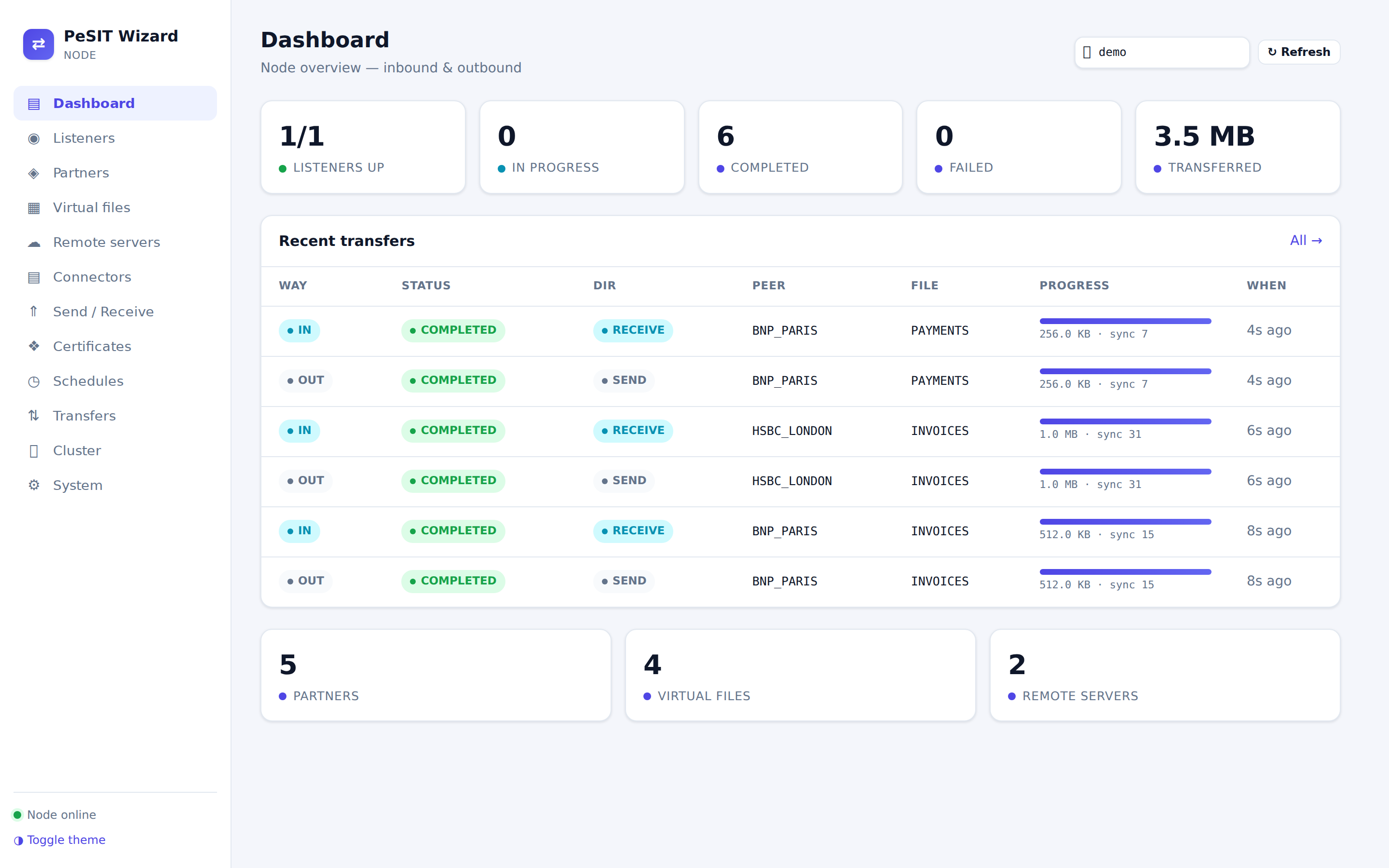
The web console
Open http://<host>:8080/, paste the API key in the field at the top right (kept in the browser's localStorage), and the dashboard populates. Tabs: Dashboard, Listeners, Partners, Virtual files, Remote servers, Connectors, Send / Receive, Certificates, Schedules, Transfers, Cluster, System. A light / dark / system theme toggle sits at the bottom of the sidebar.
Listeners
A listener accepts incoming PeSIT connections. Create one in the Listeners tab or under /api/v1/servers: serverId (PI 4), port, receiveDirectory / sendDirectory, maxEntitySize, synchronisation options (syncPointsEnabled, syncWindow), TLS (sslEnabled, tcpipHeader, keystore / truststore names) and autoStart.
Partners
A partner is a remote party allowed to exchange files (PI 3).
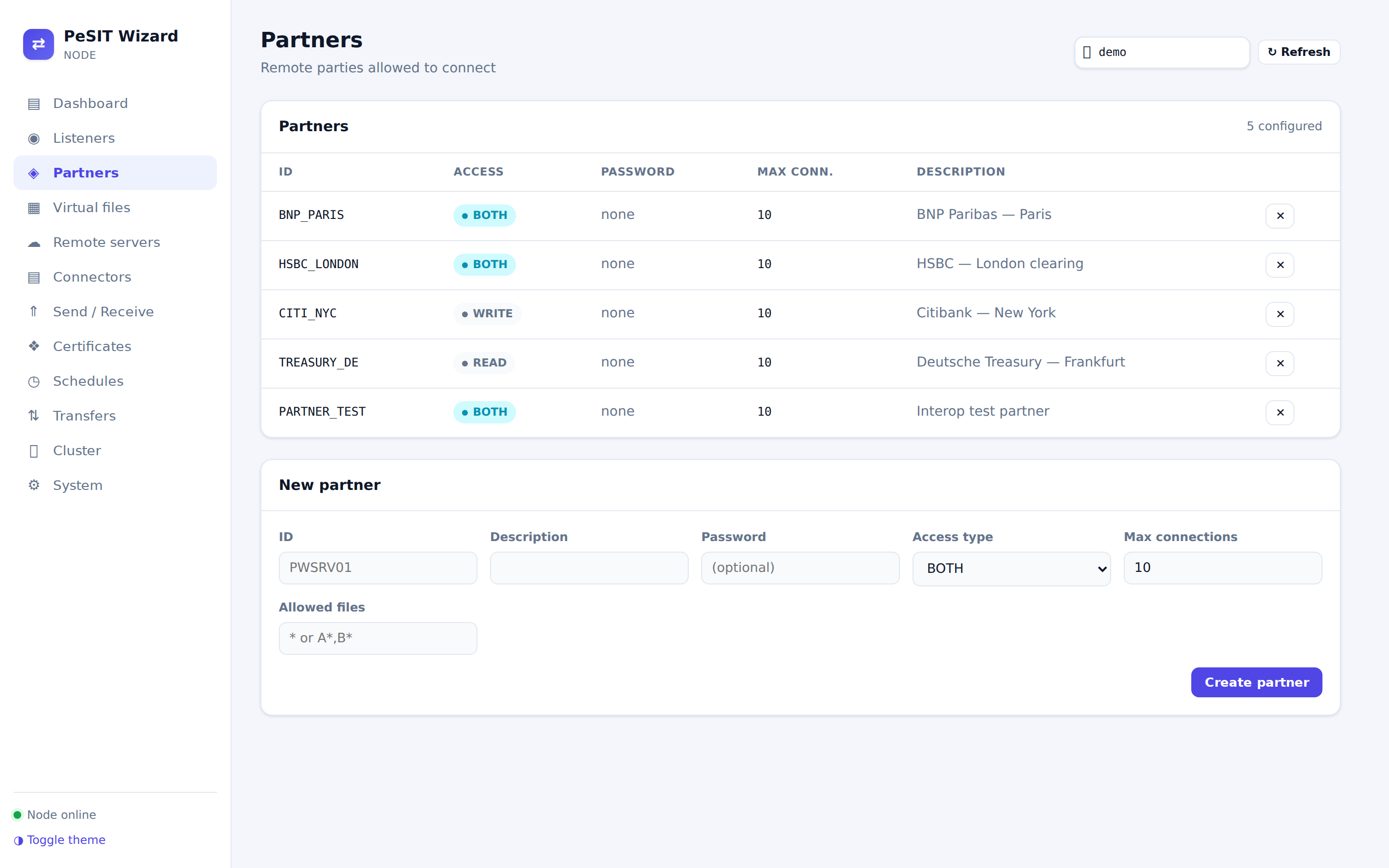
| Field | Meaning |
|---|---|
id | The partner identifier (PI 3) presented on connection. |
accessType | READ, WRITE or BOTH. |
password | Optional password (PI 5), checked when checkCredentials is set. |
preconnectPassword | Pre-connection password for Connect:Express partners of type T / O. |
Virtual files
A virtual file is a logical file exposed to partners (PI 12) — a name mapped to a physical location and protocol options.
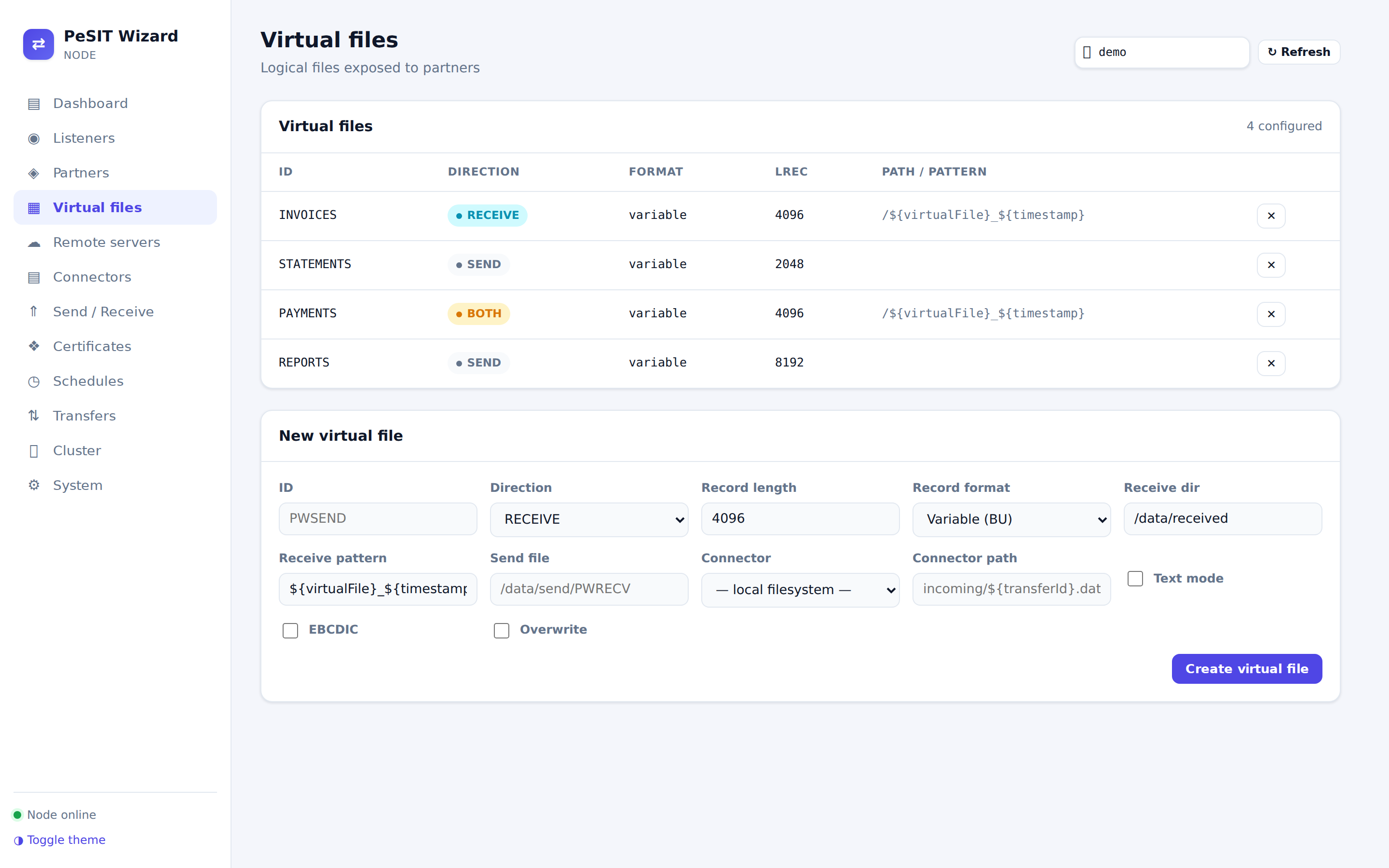
| Field | Meaning |
|---|---|
id | The virtual file name (PI 12). |
direction | RECEIVE (partners write it), SEND (partners read it) or BOTH. |
recordFormat / recordLength | Fixed / variable and the record length (PI 31 / 32). |
text | Line records (LF stripped on send, appended on receive) instead of binary chunks. |
ebcdic | Translate article bytes Latin-1 ↔ EBCDIC CP037 on the wire (PI 16 = 1). |
receiveDirectory / receiveFilenamePattern | Where received files land and their name pattern (${virtualFile}, ${transferId}, ${date}, ${partnerId} …). |
sendFile | The physical file served when a partner reads it. |
connector / connectorPath | Back the file with a storage connector. |
Bootstrap file
A YAML file passed with PESIT_CONFIG seeds partners, files, remotePartners and servers at start-up, and is re-applied on SIGHUP — handy for GitOps-style configuration.